Instant Access
Enter your registered email and password to reach your full account — cashier, game lobby and promotions — in a single step.
Login at Northspin in the UK: Email & Password Access
Access your account in seconds — on desktop, mobile browser or the Northspin Android app.
Keep Your Account Safe
What You Should Do
What You Should Avoid
Your Account, Secured
Instant Access
Enter your registered email and password to reach your full account — cashier, game lobby and promotions — in a single step.
Two-Factor Protection
Enable two-factor authentication in your account settings to add a second layer of verification beyond your password.
Mobile-Ready Login
Sign in on any Android or iOS device via the mobile browser or the Northspin Android APK downloaded from northspin.app.
Signing in to your Northspin account follows the same two-step process across every platform: enter the email address you registered with and then your password, then tap or click the sign-in button. The session opens directly in the game lobby, with the cashier and promotions tab both accessible without any additional step.
Open northspin.app in any modern desktop browser, locate the sign-in button at the top right of the page, and enter your credentials. Most browsers offer to remember your login details securely — enabling this on a private device saves time on future visits.
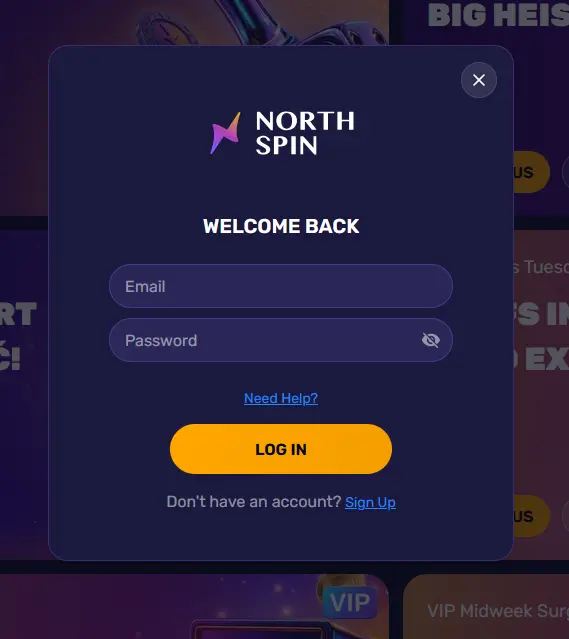
Navigate to northspin.app in your phone’s browser (Chrome, Safari, Firefox or any equivalent). The page scales to your screen automatically, and the sign-in button appears in the same position as on desktop. After logging in you can add northspin.app to your home screen as a Progressive Web App shortcut for one-tap access going forward.
Players using the Northspin Android APK download the file directly from northspin.app, install it and open it as they would any other app. The login screen is the first thing that appears. iOS players use the PWA route: open northspin.app in Safari, log in, then use the Share menu to add it to your home screen.
Northspin uses email and password as its standard authentication method. No third-party social login is required. Once inside your account, you can strengthen access security by turning on two-factor authentication, which sends a one-time code to your registered device each time you sign in from an unrecognised location.
The security of your Northspin account depends equally on the platform’s technical measures and on the practices you follow on your own device. On the platform side, all connections run over SSL encryption, sessions time out after a period of inactivity, and repeated failed login attempts trigger a temporary lock to prevent brute-force access. On your side, the most effective steps are using a strong and unique password, never sharing it, and enabling two-factor authentication.
KYC verification is a separate process from logging in, but it must be completed before your first withdrawal is processed. Accepted documents include a valid passport or UK photocard driving licence for identity, and a recent utility bill, council tax bill or bank statement for proof of address. Upload these in your account verification section once they are ready, rather than waiting until you are ready to withdraw.
Most login failures fall into one of three categories: an incorrect password, an unverified email address or a session conflict from a previous tab. If your password is rejected, use the Forgotten Password link on the login screen rather than guessing repeatedly, as multiple failed attempts will trigger a temporary account lock. If you never received your confirmation email after registering, check your spam or junk folder first, then contact our support team at [email protected] who can resend it. If you believe your account has been accessed without your authorisation, contact support immediately via live chat.
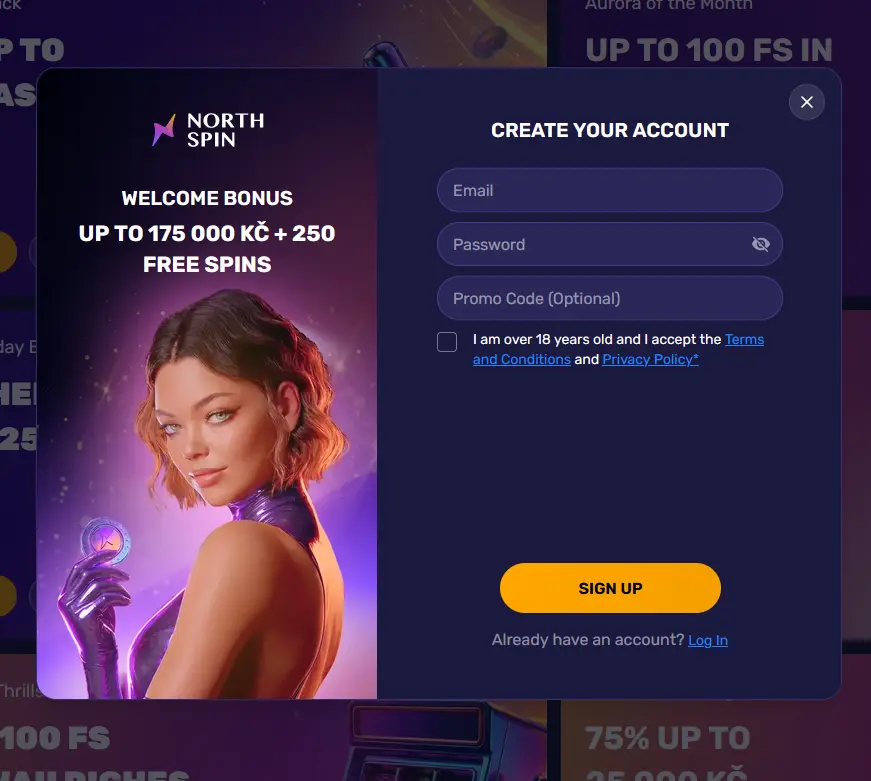
Registration is open to new players aged 18 and over. Visit northspin.app, click the sign-up button and complete the registration form with your name, date of birth, email address and a password. Once your email is confirmed, your account is active and you can make your first deposit to unlock the welcome bonus. All players are encouraged to set deposit and session limits during registration, before any funds are added.
Login Questions Answered
Click the Forgotten Password link on the login screen, enter your registered email address, and follow the reset link sent to your inbox — the process takes under two minutes.
Repeated incorrect password entries trigger a temporary security lock to protect your account; wait a short period and try again, or use the password reset option to regain access immediately.
Yes — the full bonus cashier, including the 100% up to £850 first-deposit offer, is available through both the mobile browser and the Northspin Android APK.
Sign In to Northspin
Grab 100% up to £850 and 100 free spins.
Spin Now 18+ only. Gambling carries a risk of addiction, so play within your limits. Bonus terms apply.